Your household, running on process — not your memory.
Build the system once. Use it for years.
Home OS™ runs privately in your browser, with no account, no login and nothing stored anywhere except your own device. Spend about an hour setting it up, then stop relying on memory to keep your household running.
Less than the cost of a single day with a professional house manager. Built to organize your household for years.
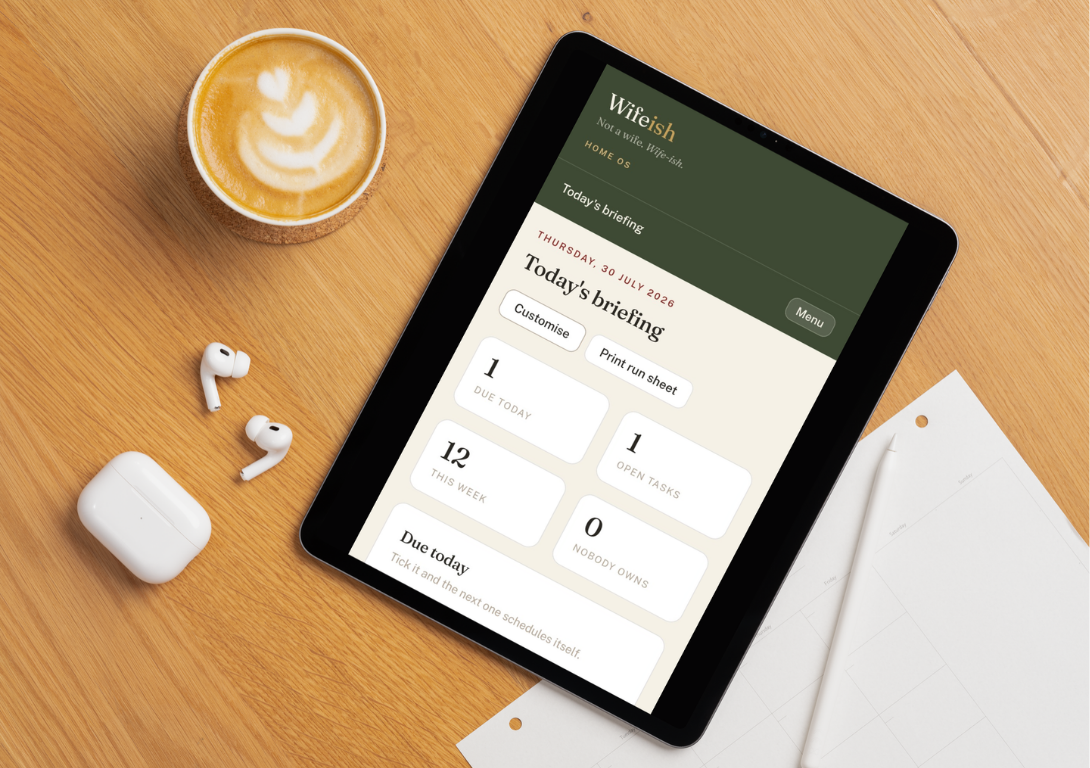
Could someone run your household if you disappeared for a week?
Imagine leaving for a week — and knowing someone else could run your household without calling you once. Not because they're extraordinary. Because everything they need is already documented. That's what Home OS™ was built for.
See how the House Book makes it possible →A well-run home isn't a feeling. It's a set of systems, written down.
Most households run on one person's memory — where things are kept, who to call, what happens when the schedule breaks. That works, until it doesn't. Home OS™ is not a to-do list — a to-do list is what you get when the system is missing. It's a working system: recurring jobs with an owner and a next-due date, so the household keeps running whether or not you're the one paying attention.
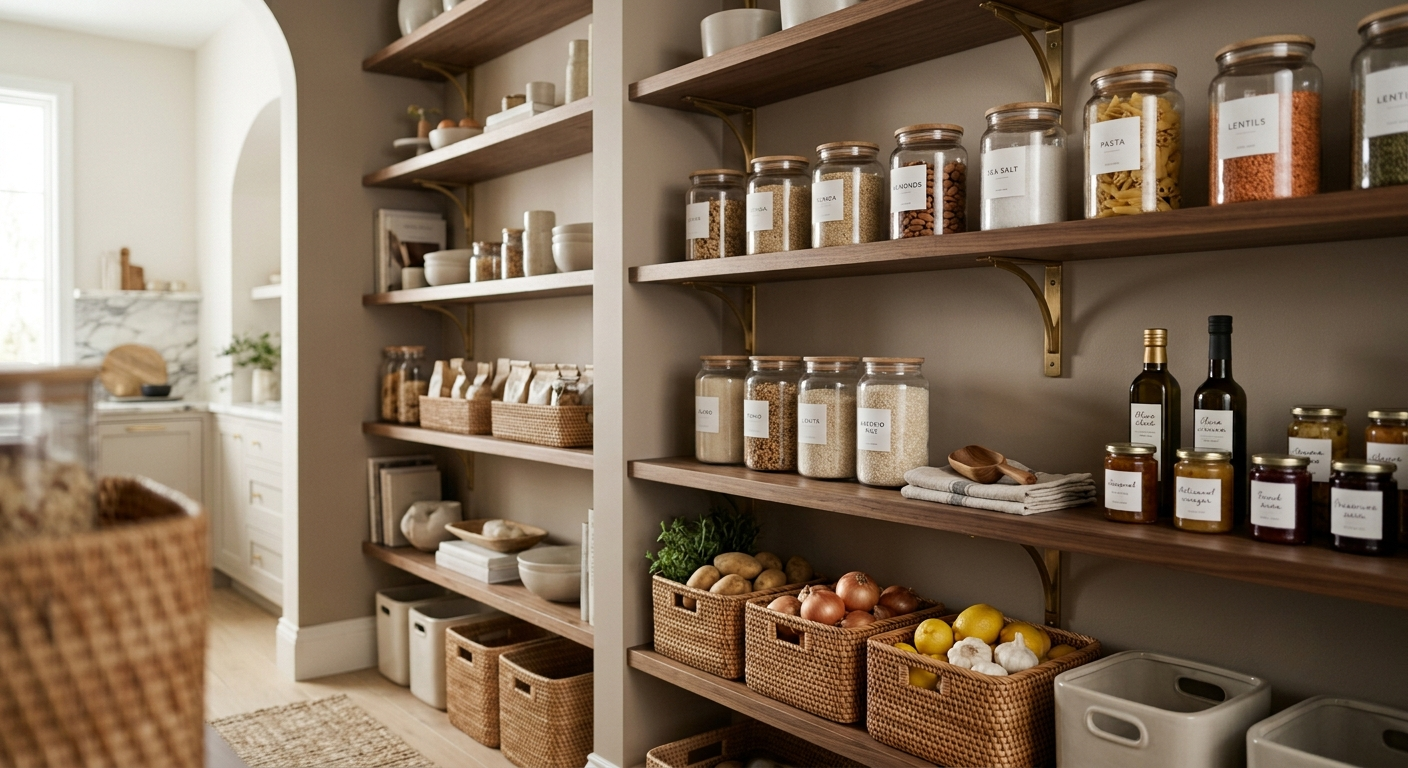
Six systems. Built once, used for years.
Rhythms
Every recurring job in the house — cleaning, maintenance, admin, personal care — with a cadence, an owner and a next-due date, so nothing depends on memory.
House Book
The standing record: everything a capable stand-in would need to know if you were unreachable for a week — access, systems, standards, emergencies.
People & Providers
Every family member, staff member and vendor who touches the home, with contact details and schedules in one place.
Who Does What
A clear ownership chart for the whole household, with printable sheets for any one person — the cleanest way to brief a housekeeper or hand over before travel.
Travel
A before / during / after checklist for every trip, so the house is looked after while you're not in it.
Documents
A register of what exists, where it lives and when it renews — insurance, warranties, contracts — with a warning before anything lapses.
Nothing leaves your device on its own.
Home OS™ runs entirely in your browser, stored on the device you're using — not in an account somewhere. That's what keeps it private and free of logins. It also means it doesn't sync automatically between your phone and laptop; a simple backup-and-restore habit keeps them in step, and you're always in control of what gets shared and with whom.
Built for the household, not just the person managing it.
Households without a manager yet
Build the systems first, so whoever joins — professional or family member — has structure to step into.
Existing household managers
Replace scattered notes and memory with one shared, living system everyone can reference.
Households who already found their person
You don't need Wifeish to place someone — Home OS™ gives them the structure to succeed from day one.
From purchase to a running system, in about an hour.
Get instant access
It opens right in your browser — no account, no consultation required. Install it to your home screen so it's always one tap away.
Set it up, once
Name your household and fill in the house book, add your people and providers, then work through the rhythms and give each one an owner. About an hour, start to finish.
Keep it living
Update it as your household changes, and back it up whenever you make real changes — that's the only habit it asks of you. Everything else runs itself.
Less than the cost of a single day with a professional house manager. Built to organize your household for years.
One-time payment. Instant access.
Prefer a fully managed placement instead? See Find Household Talent →
Before you get started.
Do I need a household manager already in place?
No. Home OS™ is built to work whether you're setting up a household from scratch, already have staff in place, or are somewhere in between.
Is this a one-time purchase or a subscription?
One-time — $297. You keep the system and update it yourself as your household changes.
How is this different from working with Wifeish on placement?
Home OS™ gives you the systems yourself, with no consultation required. Placement is a fully managed service where we match you with a vetted professional. Many households use both.
Where is my information stored?
On your own device, in your browser. There's no account and nothing is sent anywhere — it's private by default. That also means it's worth backing up regularly, since the file lives with you, not in the cloud.
Can I upload documents like insurance policies or contracts?
Not directly — Documents is a register, not file storage: what exists, where it lives, and when it renews. Keep the actual files in your cloud drive of choice and paste the link in.